
Get real-time notifications, manage requests on the go, and stay connected with your fans across all your devices.
Take control of your performances with powerful tools designed to keep you connected with your audience while staying focused on your show.
Crate Mode is an exclusive feature for the desktop apps (Windows & Mac) that scans your music folders and builds a list of tracks in your library. When a request comes in, you'll see an In Your Crate badge next to songs you already own. No more searching or importing - if it's in your crate, you're ready to play it.
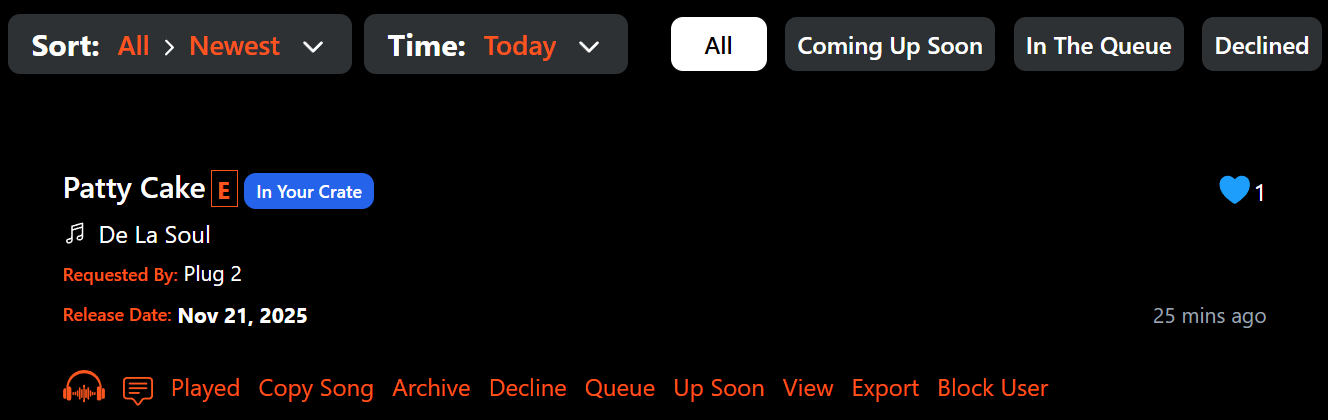
Setting up Crate Mode is simple: download the desktop app, open Crate Mode, and point it to your music library folder. It will scan your tracks and automatically flag matching requests. Fast, simple, and built to keep you in control.
Please send yourself a test song request after downloading the app. If you do not receive the notification, log out, log back in, and send another test request.